> For the complete documentation index, see [llms.txt](https://help.cumuluspro.net/llms.txt). Markdown versions of documentation pages are available by appending `.md` to page URLs; this page is available as [Markdown](https://help.cumuluspro.net/straatos-archive/test-your-configuration.md).
# Test your configuration
After you have configured all Azure resources, please test if the Archive is working by following the method below.
1. Navigate to the Web App and click on the dropdown of the **Development Tools** and select **Advanced Tools**.
2. Click on **Go** to open the Kudu Services.
3. Open a Command Shell by selecting CMD.
4. Go to the **LogFiles** directory.
5. Open the **eventlog.xml** by clicking on the **pencil**.
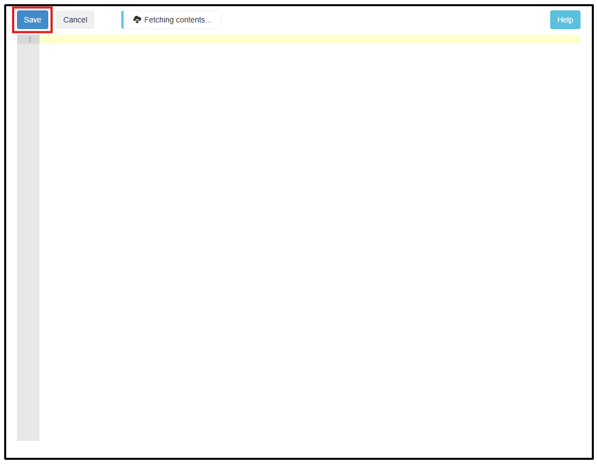
6. Clear this eventlog by deleting the content and saving this file.
7. Select the Web App and click on **Overview**.
8. Restart the Web App by clicking on **Stop** and **Start.**
9. If there are no error messages, you can test the complete configuration by opening a browser and using the following URL.
10. If the deployment is successful, you will get the following response.